


Free plan for a limited time only.

Grab the Deal

ONE-CLICK CANVA TO SHOPIFY CONVERSION

Convert Canva Sites
into Shopify Landing Pages

Turn your Canva sites into pixel-perfect Shopify landing pages in minutes with Canfy. No coding required, just one-click conversion.

Start For Free

No Code

Completely Code Free

One Click

Convert & Update

14-Day

Risk Free Trial

100% pixel perfect conversion

Supports all Shapes & Path elements 100% Accuracy & Mobile Responsive
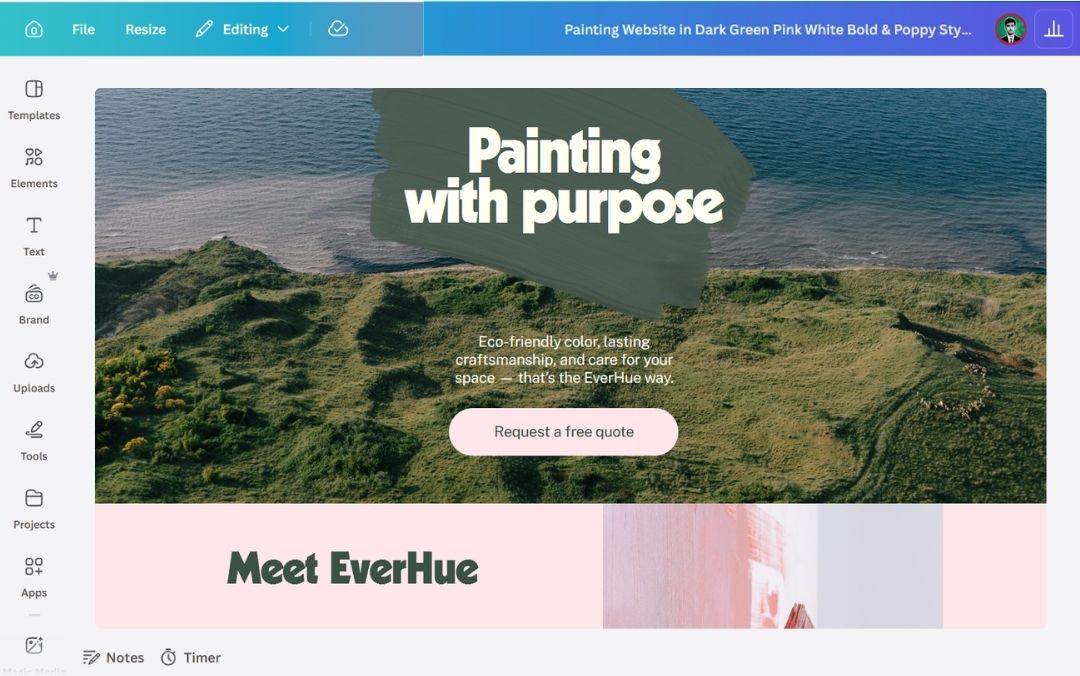
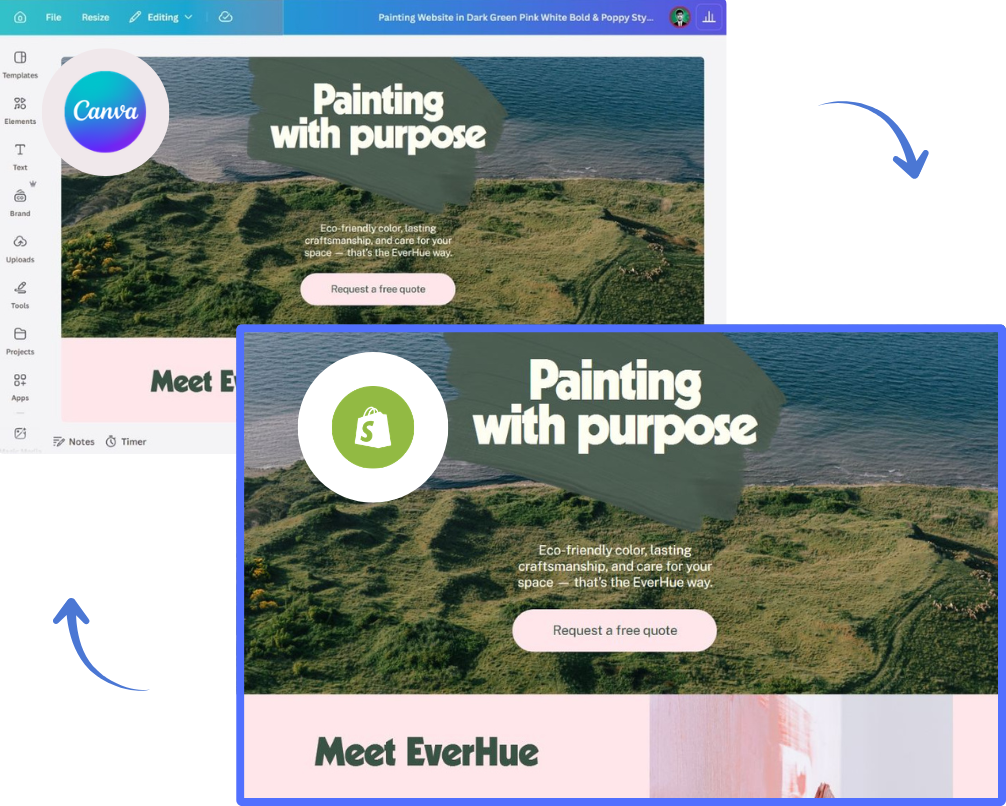
Canva Painting website — Canva site preview

The original — designed in Canva

View on Canva
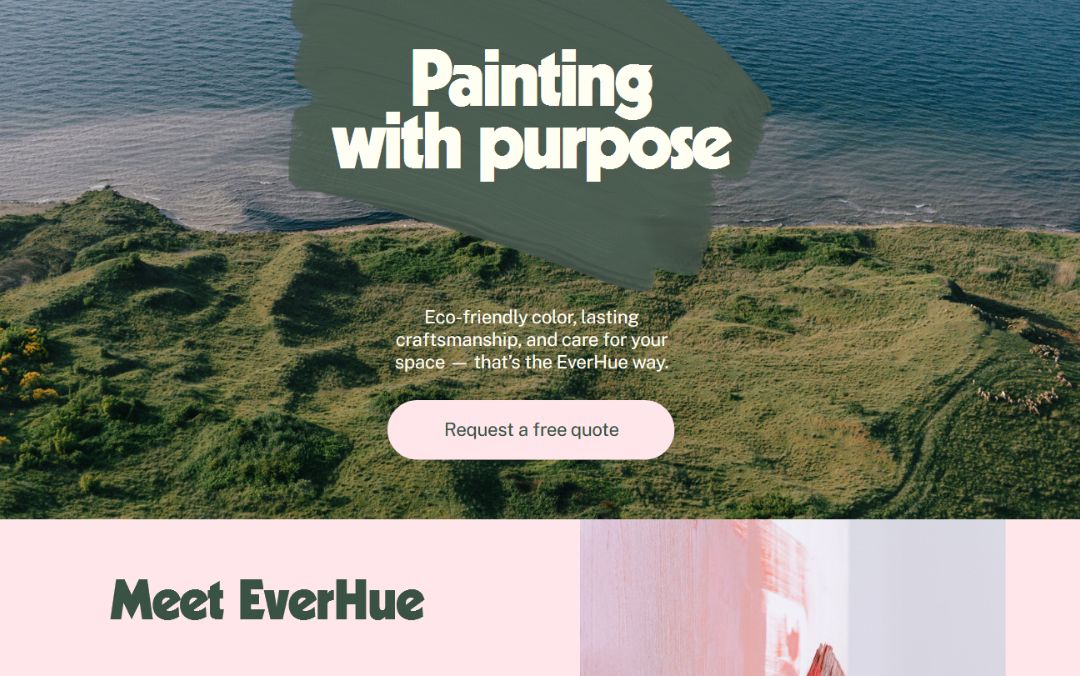
Shopify Painting website — converted Shopify page preview

Converted to Shopify with Canfy

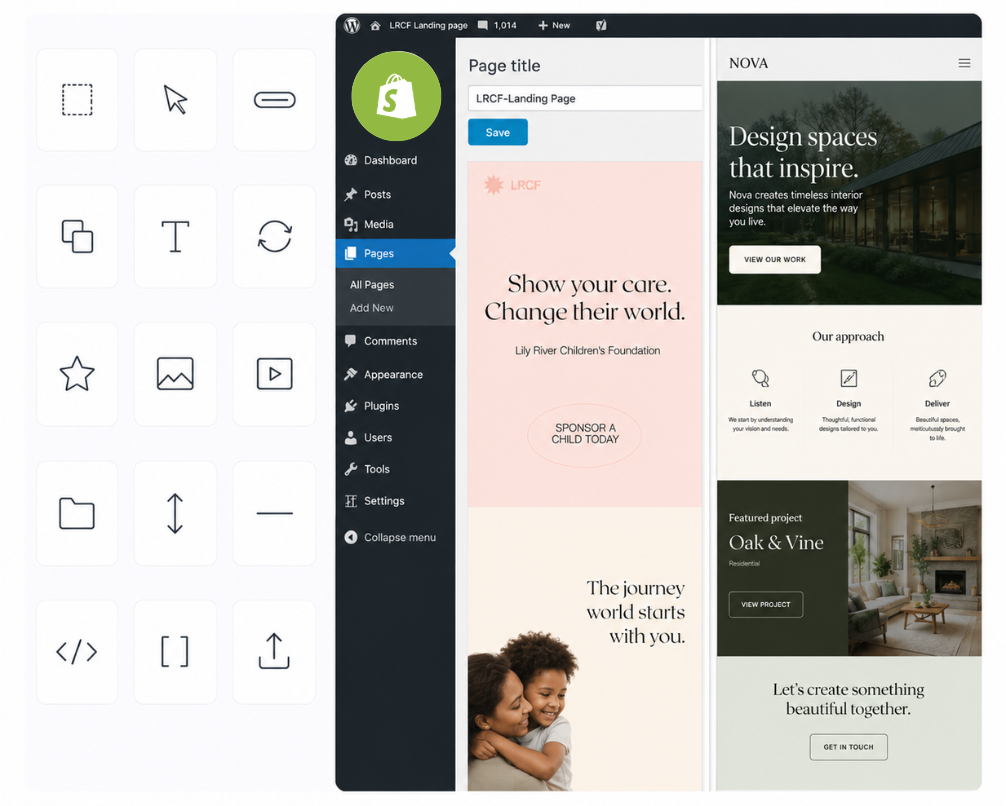
Get ready-to-use, flawlessly converted files

  • Untouched path elements

    Every icon, shape, and path element transfers over exactly as you drew it — no re-tracing, no manual touch-ups.

  • Responsive designs

    Your converted site adapts to every screen out of the box — phones, tablets, and desktops, all handled automatically.

  • 100% visually accurate

    Pixel-for-pixel reproduction of your layout — fonts, colors, spacing, and effects all land in Shopify exactly as designed.

Flawless Canva to Shopify conversions
Save up to 40 hours per file with Canfy

Save up to 40h per file using our converter

  • Convert Canva designs without any extra work

    Paste in your Canva URL and get a Shopify-ready page back. No exporting, no reformatting, no fiddling with file types.

  • Stop wasting your time using web builder

    Skip the page-builder shuffle. Every element — text, images, shapes, sections — lands in Shopify one-to-one with the original.

  • Start building your Shopify site directly from Canva

    Already designed it in Canva? Bring everything straight into Shopify — no rebuild required.

Features

The most efficient — and only — Shopify app built to bring your beautiful Canva sites to Shopify without losing quality or spending hours on manual work.

Most teams pick one of three paths

Rebuild the design by hand in Shopify, paste a Canva iframe, or use Canfy. The first two each leave something behind — here's the honest trade-off.

Canfy The fast way
Best
  • Time to publish Under 5 minutes
  • Looks exactly like your Canva Pixel-perfect
  • Editable in Shopify Block editor
  • Google-indexable
  • Mobile responsive Auto-adapted
  • Updates when you tweak Canva One-click re-sync
  • Coding skills needed
  • What it costs From $7.99/mo
Manual rebuild Slow + expensive
  • Time to publish 20–40 hours of dev work
  • Looks exactly like your Canva Depends on your dev
  • Editable in Shopify
  • Google-indexable
  • Mobile responsive Only if your dev codes it
  • Updates when you tweak Canva Rebuild from scratch
  • Coding skills needed
  • What it costs $500–$5,000 per page
Canva iframe embed Free, but limiting
  • Time to publish Instant
  • Looks exactly like your Canva Pixel-perfect
  • Editable in Shopify Locked iframe
  • Google-indexable Skipped by crawlers
  • Mobile responsive Limited
  • Updates when you tweak Canva Reflects automatically
  • Coding skills needed
  • What it costs Free

Pricing

Simple, transparent pricing.

Start free, upgrade when you need to. No hidden fees, no contracts — cancel anytime from your Shopify admin.

Free

$0 /month

No credit card needed

Install Free
  • 1 published page
  • Unlimited page views
  • Update from Canva any time
  • No Canva watermark No Canva brand logo will be visible on the published page footer.
  • Unlimited cart link builder Build Shopify cart permalinks that drop products straight into the customer’s cart, then wire them to any button in your Canva design.
  • Curated Canva templates
  • Email support
MOST POPULAR

Premium

$7.99 /month

14-day free trial

Start Free Trial
  • Unlimited published pages
  • Unlimited page views
  • Unlimited updates from Canva
  • No Canva watermark No Canva brand logo will be visible on the published page footer.
  • Unlimited cart link builder Build Shopify cart permalinks that drop products straight into the customer’s cart, then wire them to any button in your Canva design.
  • Curated Canva templates
  • Priority support
Cancel anytime — no charge during the trial

Your subscription is billed through Shopify and appears on your regular Shopify invoice. Canfy never sees or stores your card details.

You can cancel your subscription anytime.

Ready to convert your Canva site to Shopify?

Start free — no credit card required.

Get Started

14 Days, Completely
Risk Free!

Try every Premium feature free for 14 days. You aren't charged a cent during the trial, and you can cancel from your Shopify admin at any point before it ends. Not ready to decide? Stay on the Free plan for as long as you like — no credit card needed.

Start For Free

Frequently Asked Questions

Questions? Start with our FAQs below, or get in touch and we’ll be glad to assist.

What is Canfy and why choose it?
Canfy is a one-click Canva-to-Shopify conversion app. It turns published Canva sites into pixel-perfect, responsive Shopify landing pages — preserving layouts and images, with no manual rebuilding and no coding required.
What is required to use Canfy?
An active Shopify store on any plan, and a published Canva site. Install Canfy from the Shopify App Store — there is nothing to host, configure, or upload.
Is it compatible with all themes and apps?
Canfy works with any Shopify theme, including Dawn and every Online Store 2.0 theme, and sits alongside your other apps without touching them. If anything conflicts, our live support will fix it promptly.
Can I edit the converted page in Shopify?
No — you don't edit the page in Shopify. Instead, edit the design in Canva and click the Update button on your page. The changes sync automatically to Shopify.
Do I need coding skills to use the app?
No. Canfy was built specifically for designers and merchants who want to skip the developer step. Paste your Canva site URL, click convert, and your Shopify page is live in minutes.
What does the Free plan include?
One published page, unlimited page views, unlimited updates from Canva, no Canva watermark, the cart link builder, and our curated Canva templates. No credit card needed, and no time limit — stay on Free as long as you like.
How does the 14-day free trial work?
Start Premium and you aren't charged for 14 days. Cancel any time before the trial ends from your Shopify admin and you pay nothing. After that it's $7.99/month.
Can I upgrade or change my plan later?
Yes — switch between Free and Premium anytime from the Canfy app in your Shopify admin. Changes take effect immediately and Shopify pro-rates the billing.
How am I billed?
Through Shopify. Your Canfy subscription appears on your regular Shopify invoice alongside your other apps — we never see or store your card details.

Convert your first Canva site in 5 minutes.

Stop rebuilding designs by hand. Drop in a Canva URL and get a real, indexable Shopify page.

Free plan available · 14-day free trial on Premium · Cancel anytime

Ready to convert your Canva site to Shopify?

Start free — no credit card required.

Get Started